for laptop-bound humans

the break
your eyes keep forgetting to take.

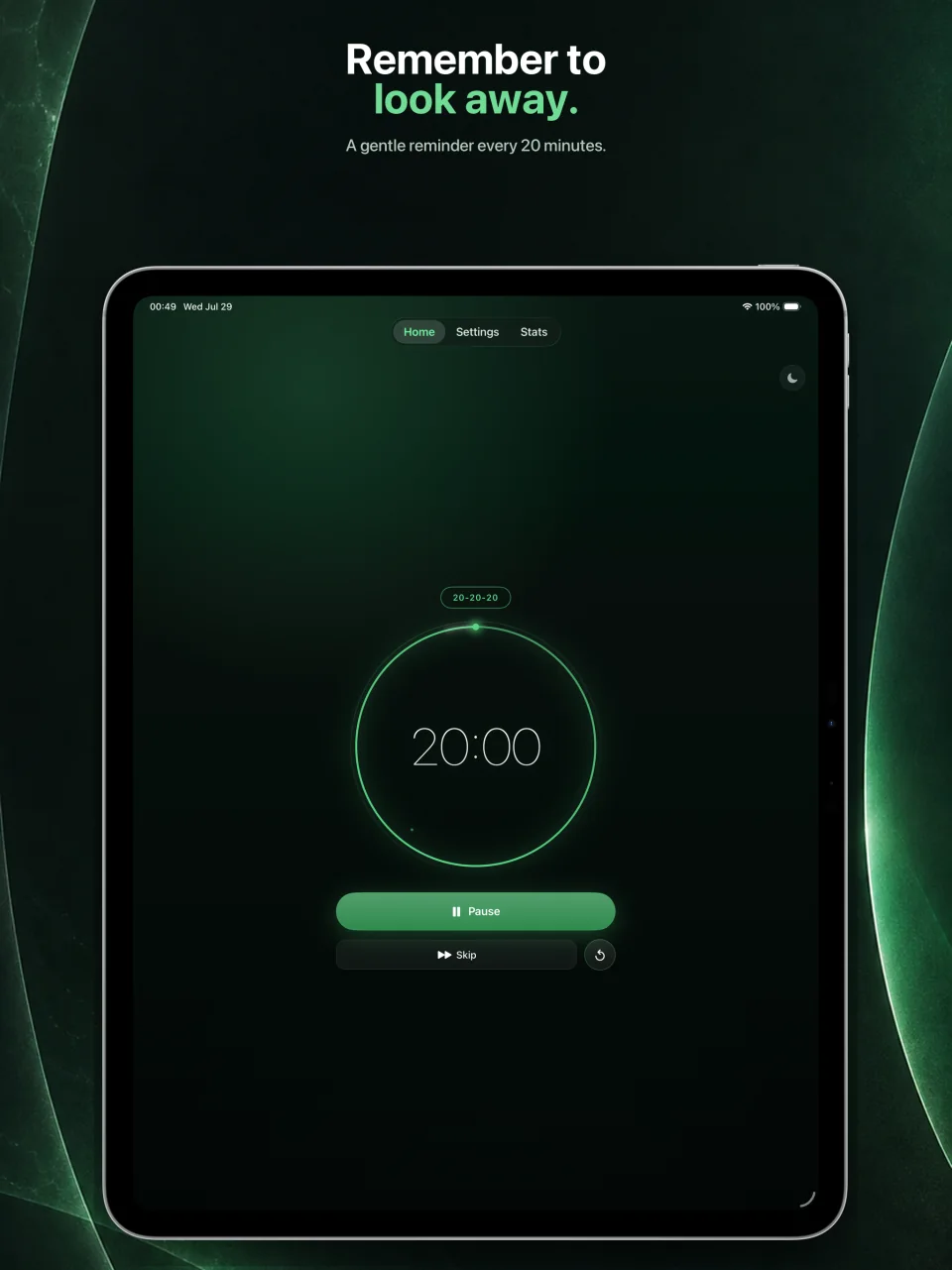
Blink pairs the pomodoro technique with the 20-20-20 eye-care rule. Your iPhone glows gently next to your laptop and quietly reminds you. That's it.

iOS 18+ iPhone On-device only
9:41
Focus 24:32
FOCUS
24:32
FOCUS
Pause
Home
Settings
Stats
the problem

you stopped blinking around hour two.

Knowledge workers blink about half as often as they should when they're locked into a screen. You've felt the tax: the dry sting at 4pm, the tension creeping up the back of your neck, the focus that quietly slipped sideways an hour ago without anyone telling you.

The Mac apps that fix this can blur your laptop when it's break time — but iOS can't reach across to do that, and the Mac apps can't reach back. So most days the break either covers the work you're trying to do, or it just… doesn't happen. Blink reframes the whole thing: your phone, sitting quietly next to the keyboard, becomes the nudge. The laptop never gets touched.

how it works

three states.
none of them in your way.

Blink moves through a focus block, a 20-second eye break baked into minute 20, and a longer wellness break every fourth cycle. The phone does the work. The laptop is left alone.

9:41
24:32
FOCUS
24:32
FOCUS
Pause
Home
Settings
Stats
1 FOCUS · 25 MIN

The block.

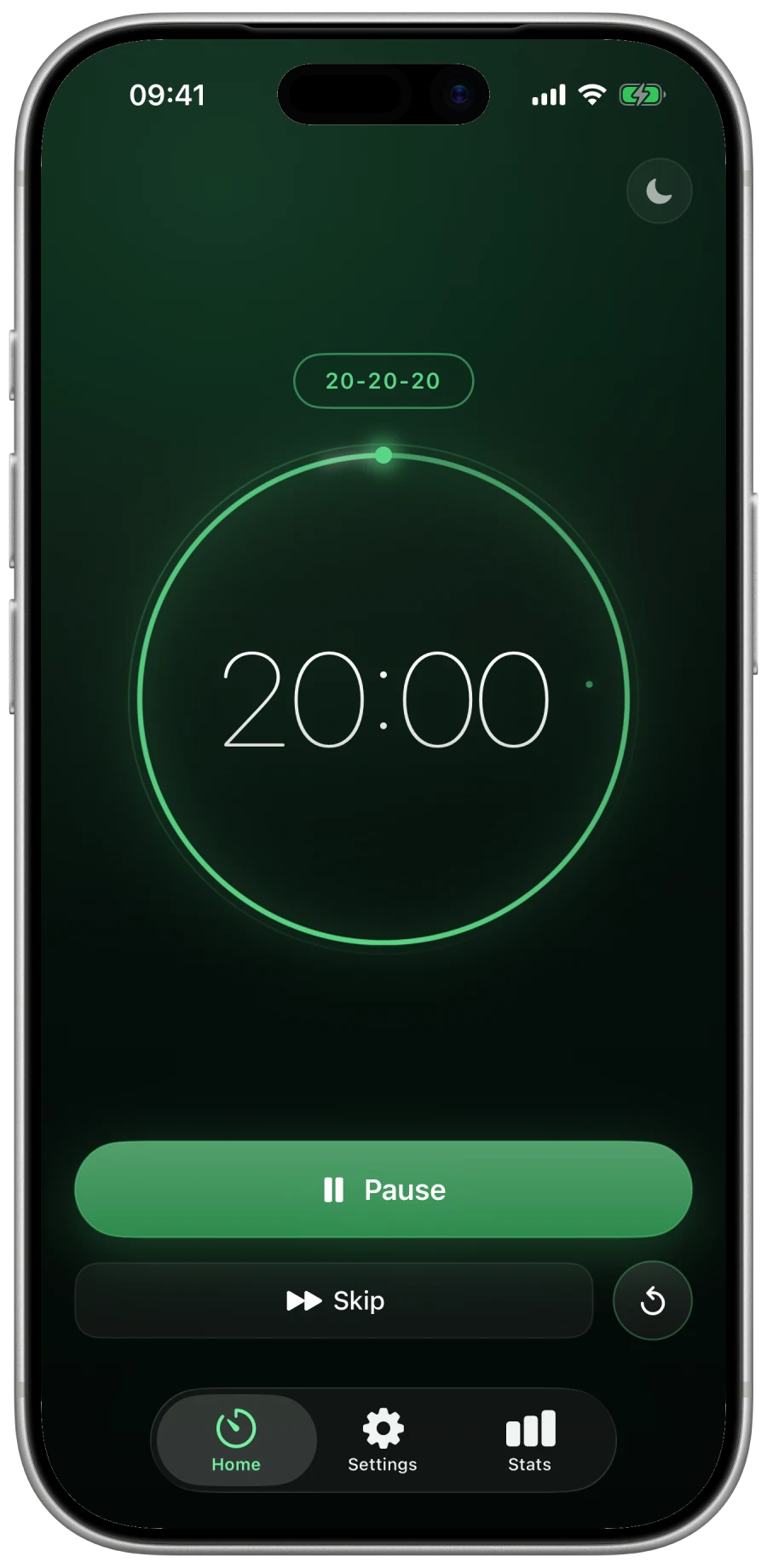
A quiet countdown ring. A Live Activity on your Lock Screen and Dynamic Island. The last 30 seconds wind down — a softer colour, an optional soft chime — so the break never feels abrupt.

9:41
eye break
look 20 feet away.
far corner of the room. window. anywhere not this.
14
Done
2 EYE BREAK · 20 SEC

The 20.

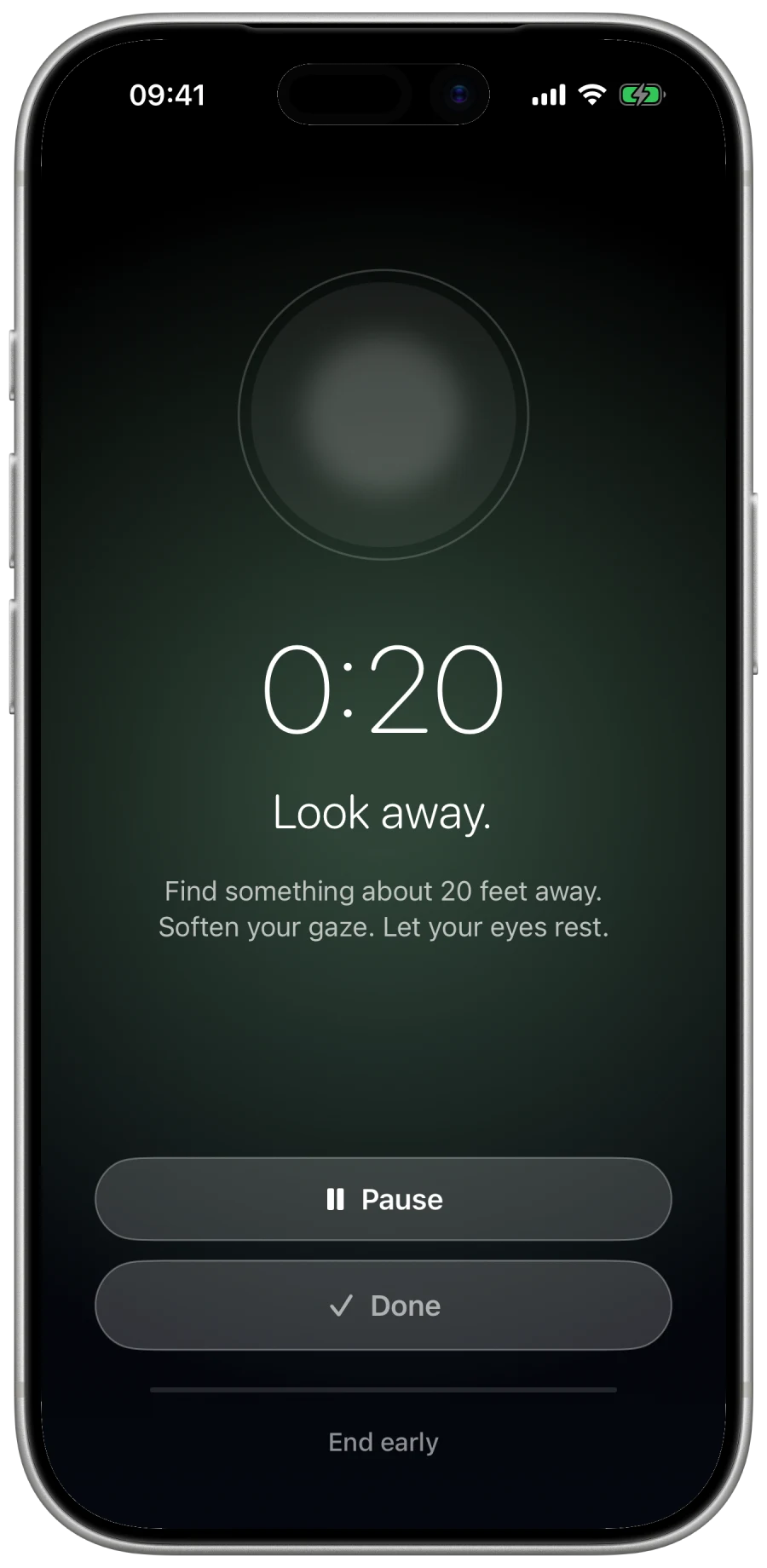
At minute twenty, the phone dims and shows the 20-20-20 prompt: look at something twenty feet away for twenty seconds. Tap done, or wait — either way it ends gently and slips you back.

9:41
long break
LONG BREAK · 30 MIN
a slower minute.
1Neck roll, slow
20 sec each side
2Shoulder shrug + drop
8 reps
3Upper-back opener
30 sec
4Wrist + forearm
15 sec each
5Standing hip flexor
30 sec each leg
Sit tall.
ears over shoulders
Blink, on purpose.
slow, full, twice
3 LONG BREAK · 30 MIN

The reset.

Every fourth cycle, a longer card: five stretches, a posture nudge, a "remember to actually blink" reminder. Stagger in, easy to skim, easy to ignore the parts you don't need today.

features

small, considered things.

Pomodoro + 20-20-20, baked in.

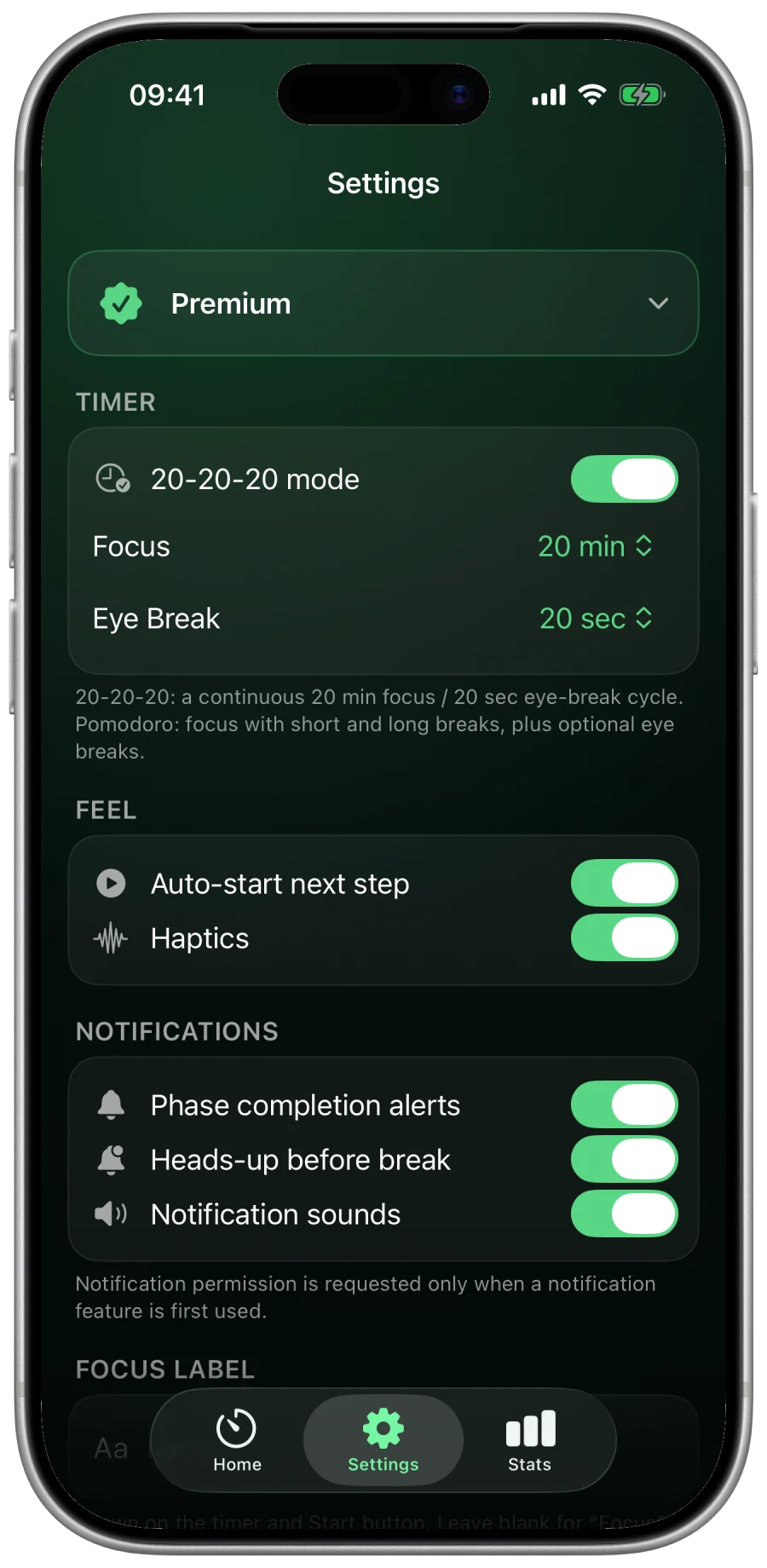
25-min focus, 5-min break, 30-min long break, and a 20-second eye break at minute 20. Every duration is adjustable.

Heads-up, with snooze.

A soft notification 30 seconds before each break. Hit +1m, +5m, or +15m if you need to finish a thought — no shame in it.

Smart auto-pause.

Pauses during phone calls, when iOS Focus modes say you're in a meeting, when the phone is face-down, or when you've stepped away.

Live Activity & Dynamic Island.

Read the countdown at a glance without unlocking. The Lock Screen, the Island, your wrist if you have one — the timer is wherever your eyes already are.

One-tap profiles.

Deep Work (50/10), Standard (25/5), Quickstart (15/3). Pick one and go — or build your own and keep it.

100% on-device.

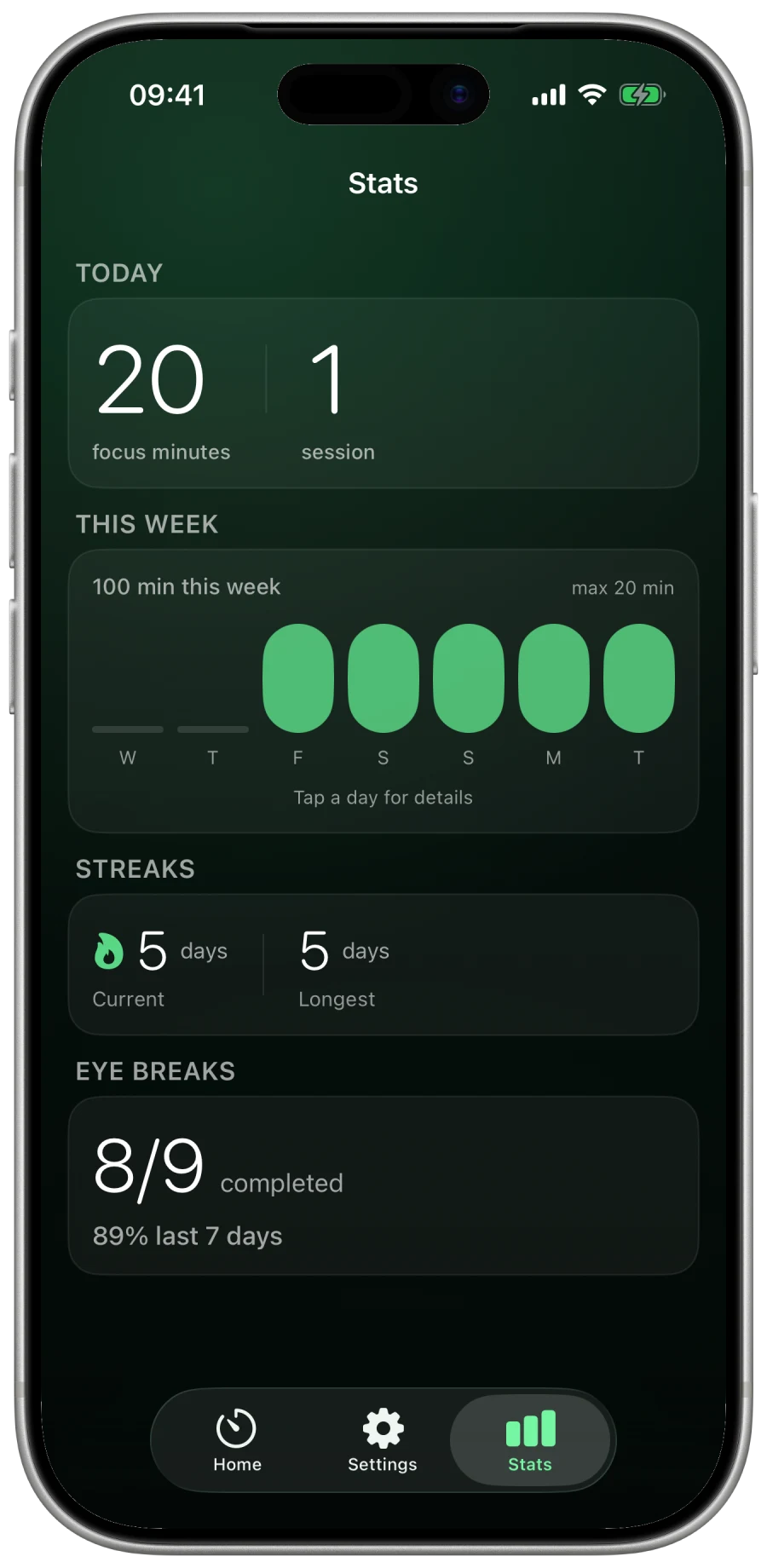
No accounts, no analytics, no network. Your stats live in a local store you can wipe from Settings with one tap.

the reframe

your laptop screen is for work. let the phone do the nudging.

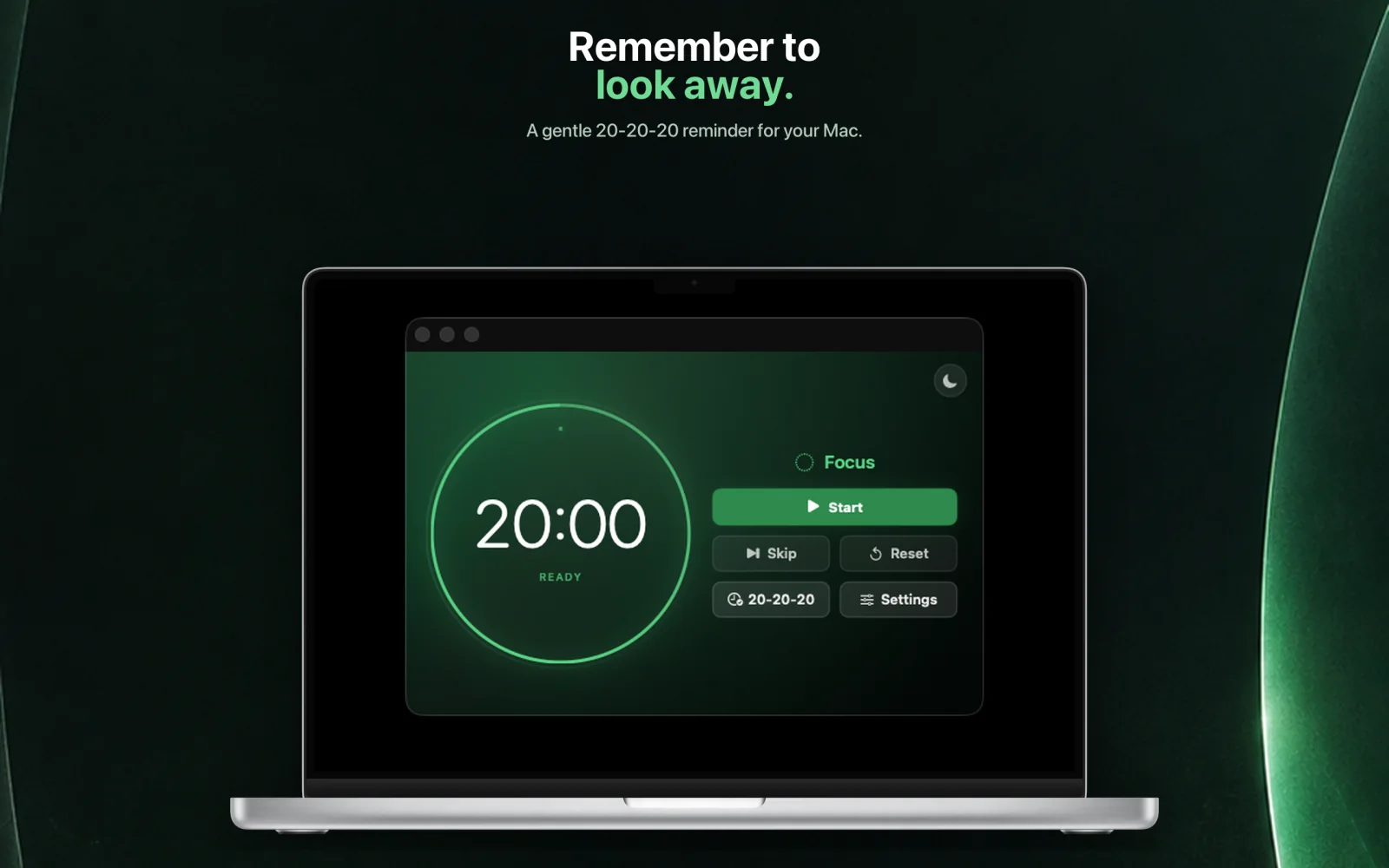
The Mac app you might already use blurs your laptop when it's break time. iOS can't reach across to do that — and the Mac apps can't reach back. Blink leans the other direction. Your iPhone, sitting next to the keyboard, becomes the ambient nudge device: glanceable, out of the way, never blocking your work. The break overlay only ever covers the phone screen. The laptop is yours.

privacy

nothing about you leaves the phone.

  • No accounts. Open the app and use it. There's nothing to sign into.
  • No analytics. No SDKs, no event pipelines. We don't know how often you use it. That's on purpose.
  • No network calls. The app does not reach the internet. Throw it in Airplane mode if you want to be sure.
  • Stats stay local. SwiftData store on this device. Erase all data from Settings, any time.
  • Permissions are lazy. Nothing is requested at launch. Calls, Focus, motion, calendar — opt in per feature, only if you turn it on.
questions

a few things people ask.

iOS 18 or later, on iPhone. Blink uses ActivityKit, App Intents, and SwiftData APIs that ship in 18, and we picked 18 (not 26) so the people who haven't upgraded yet still get the app.
Not in v1, and on purpose. The whole idea is that the phone is the nudge device while your laptop stays untouched. An iPad or Mac build defeats the reframe. We'll revisit it after v1 ships.
None at launch. Each smart-pause is opt-in: turn on "pause during calls" and Blink asks for CallKit; turn on "pause when face-down" and it asks for motion. Notifications are asked once, the first time you start a timer.
Yes — via App Intents. Start, pause, resume, skip, and reset are all exposed, so you can wire Blink into a Shortcut, a Focus filter, or a Home Screen widget tap.
A one-time price at launch, no subscription. We don't have a server to pay for, so we don't need a recurring bill from you.